On the site in question, click on Site Contents and open the Bamboo Navigators list. Locate and select the entry that you would like to remove, click the List tab within the ribbon and click Delete Item.
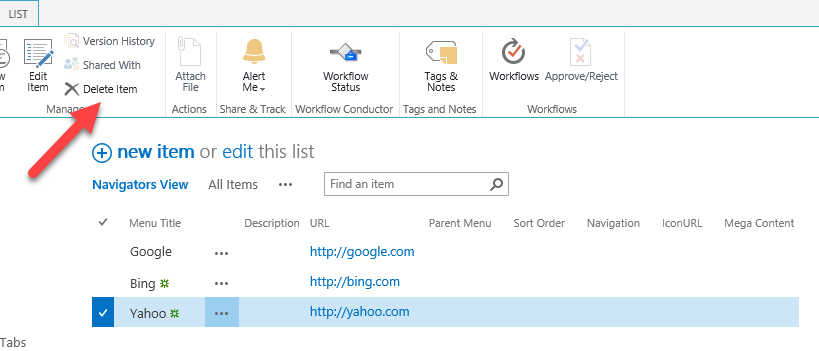


On the site in question, click on Site Contents and open the Bamboo Navigators list. Locate and select the entry that you would like to remove, click the List tab within the ribbon and click Delete Item.
Comments
0 comments
Please sign in to leave a comment.